DooTask AI:Opening the era of intelligent office

Integrates AI task management, smart docs, and automated workflows. Enhances projects and decisions – making work smarter & simpler.

Automated generation of tasks

A key "@"AI robot, enjoy intelligent and efficient office experience.
  • 01

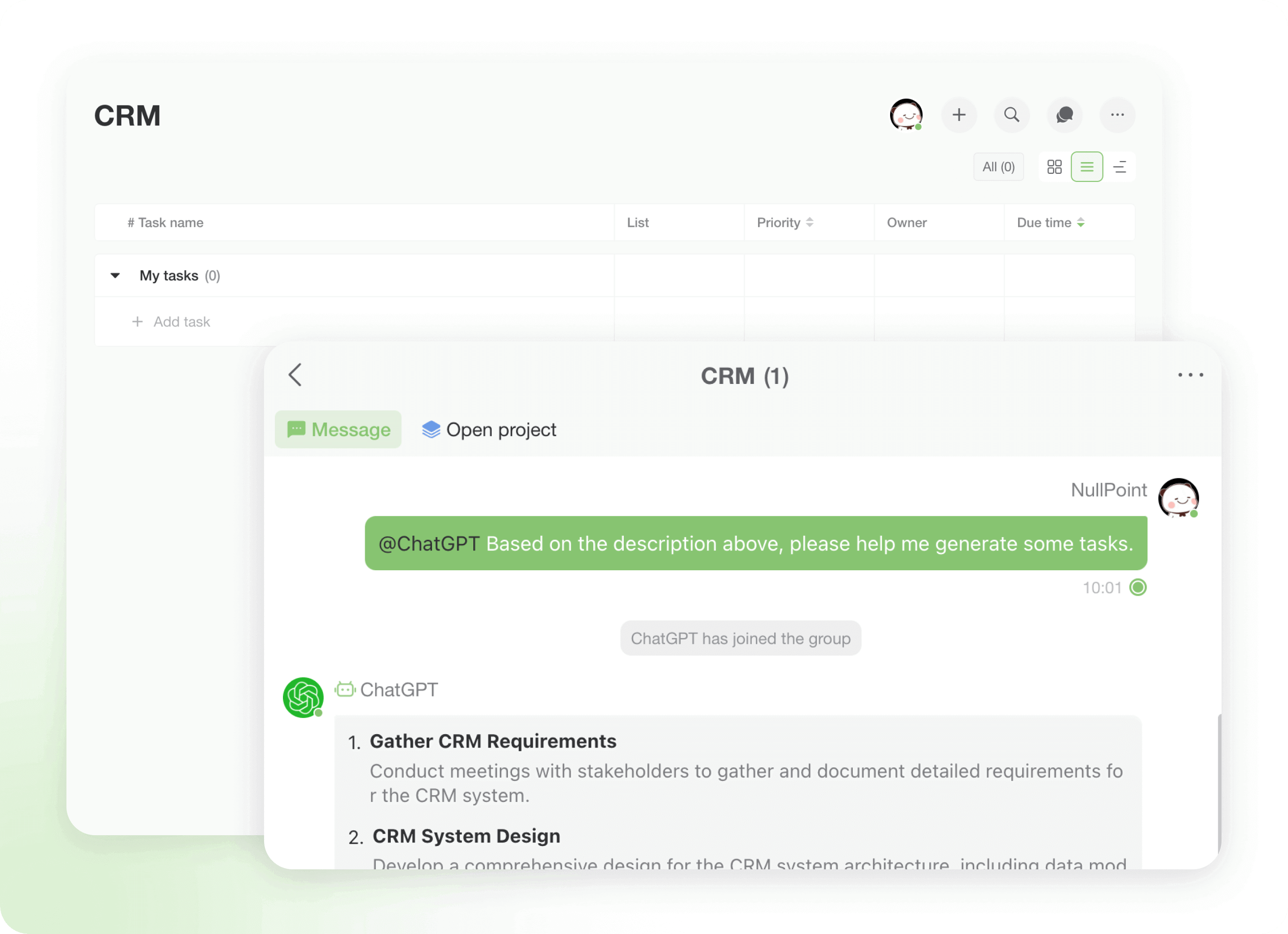
    Summon AI within the chat

    Summon AI within the chat

    Summon AI within the chat

    Click ‘@Bot’, describe your request and AI will analyze your project content, automatically extract key information, and remind you to supplement missing details.
    Click ‘@Bot’, describe your request and AI will analyze your project content, automatically extract key information, and remind you to supplement missing details.
  • 02

    Auto-generate Task List

    Auto-generate Task List

    Auto-generate Task List

    AI automatically generates a task list based on the content to ensure that each task is clear. After generation, click 'Confirm' and AI will add the task to the project task bar to help you manage your work efficiently.
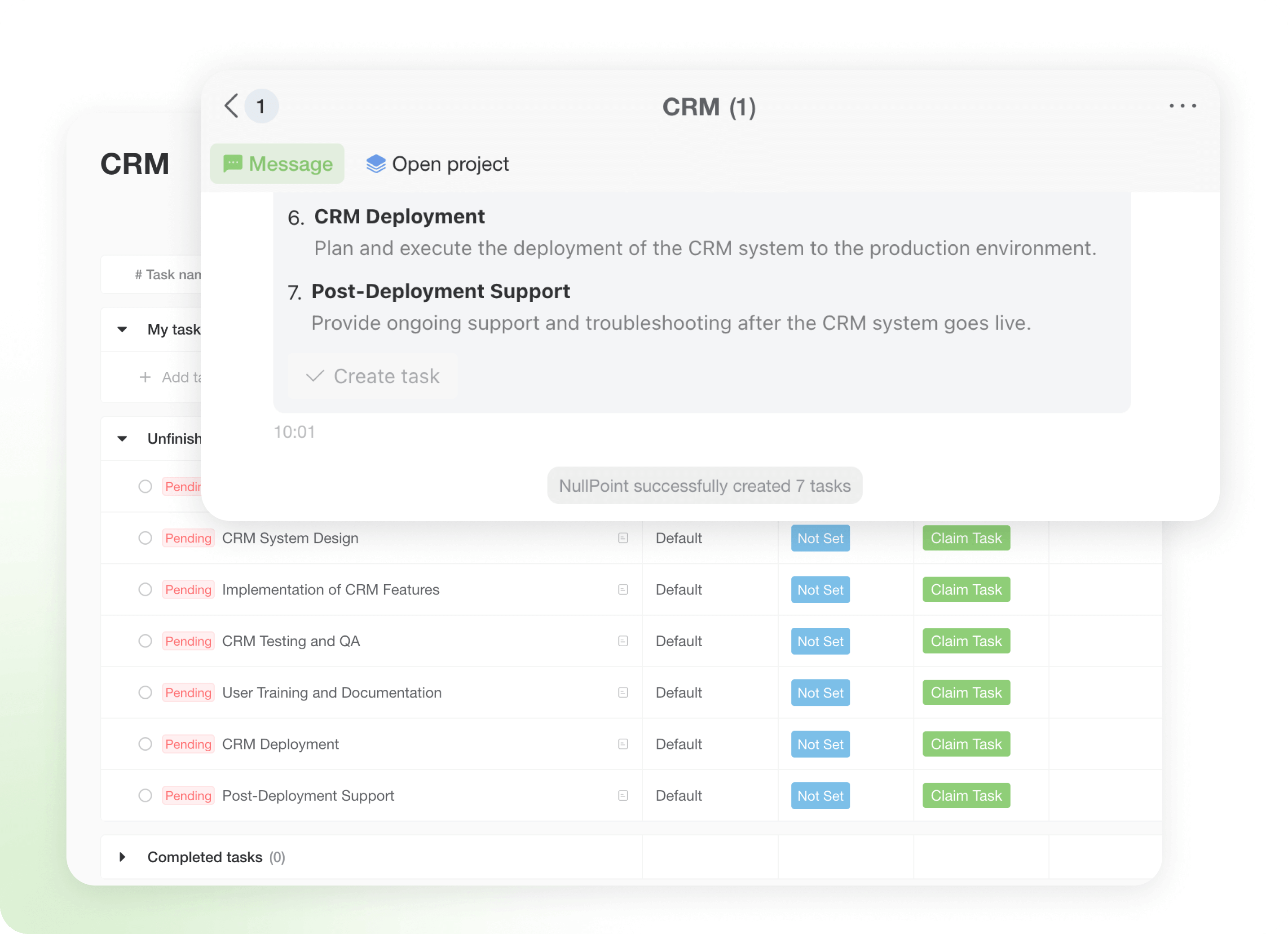
    AI automatically generates a task list based on the content to ensure that each task is clear. After generation, click 'Confirm' and AI will add the task to the project task bar to help you manage your work efficiently.
  • 03

    Type 'Bye' to exit

    Type 'Bye' to exit

    Type 'Bye' to exit

    Type 'Goodbye' or 'Stop' to instantly end the chat with the AI, ensuring seamless and effortless interaction.
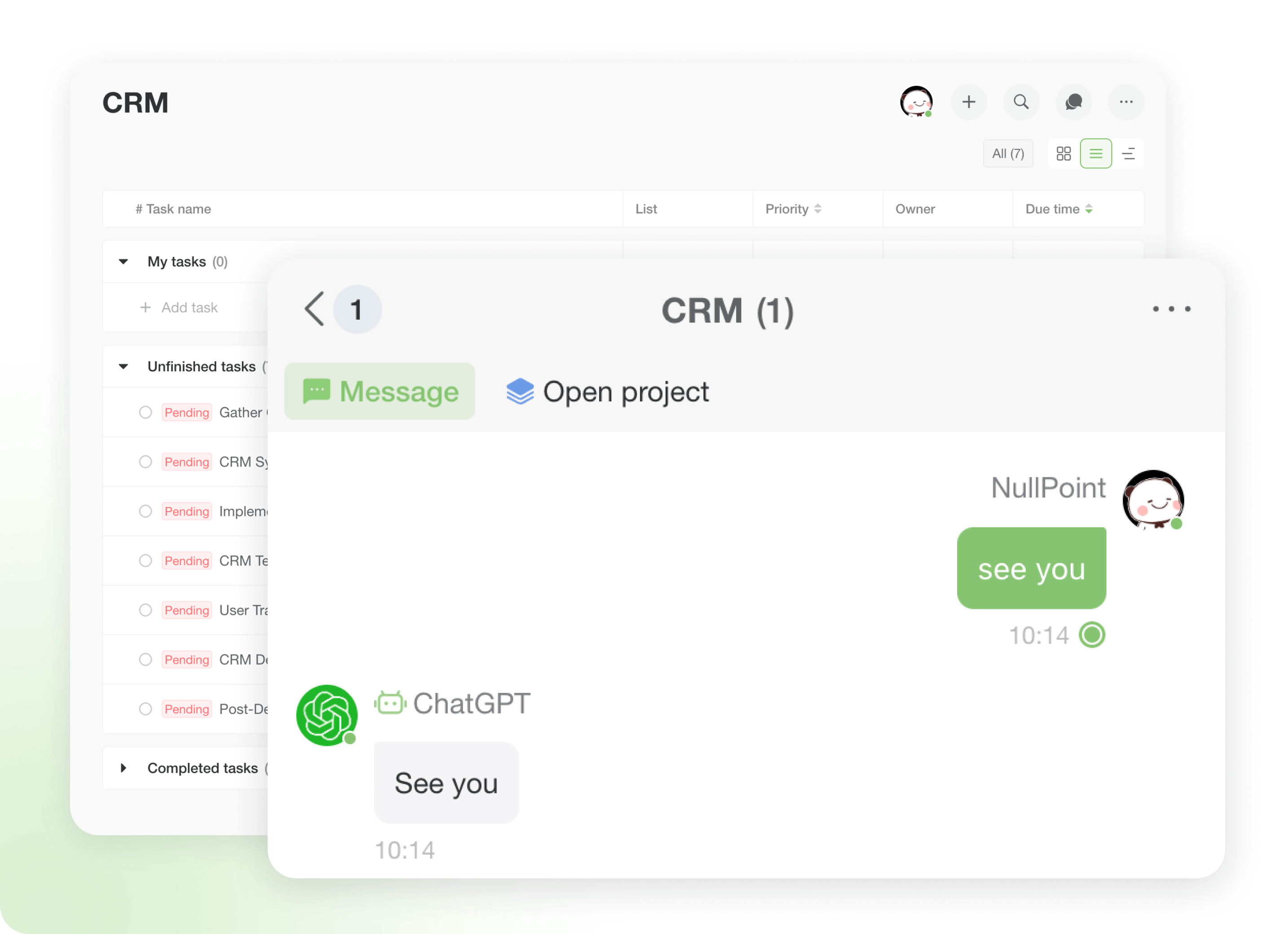
    Type 'Goodbye' or 'Stop' to instantly end the chat with the AI, ensuring seamless and effortless interaction.
Click ‘@Bot’, describe your request and AI will analyze your project content, automatically extract key information, and remind you to supplement missing details.
  • 01

    Summon AI within the chat

    Click ‘@Bot’, describe your request and AI will analyze your project content, automatically extract key information, and remind you to supplement missing details.Click ‘@Bot’, describe your request and AI will analyze your project content, automatically extract key information, and remind you to supplement missing details.
  • 02

    Auto-generate Task List

    AI automatically generates a task list based on the content to ensure that each task is clear. After generation, click 'Confirm' and AI will add the task to the project task bar to help you manage your work efficiently.AI automatically generates a task list based on the content to ensure that each task is clear. After generation, click 'Confirm' and AI will add the task to the project task bar to help you manage your work efficiently.
  • 03

    Type 'Bye' to exit

    Type 'Goodbye' or 'Stop' to instantly end the chat with the AI, ensuring seamless and effortless interaction.Type 'Goodbye' or 'Stop' to instantly end the chat with the AI, ensuring seamless and effortless interaction.

File Parsing

AI analyzes and condenses data into key insights, saving you time on manual processing.

Weekly Report Analysis​

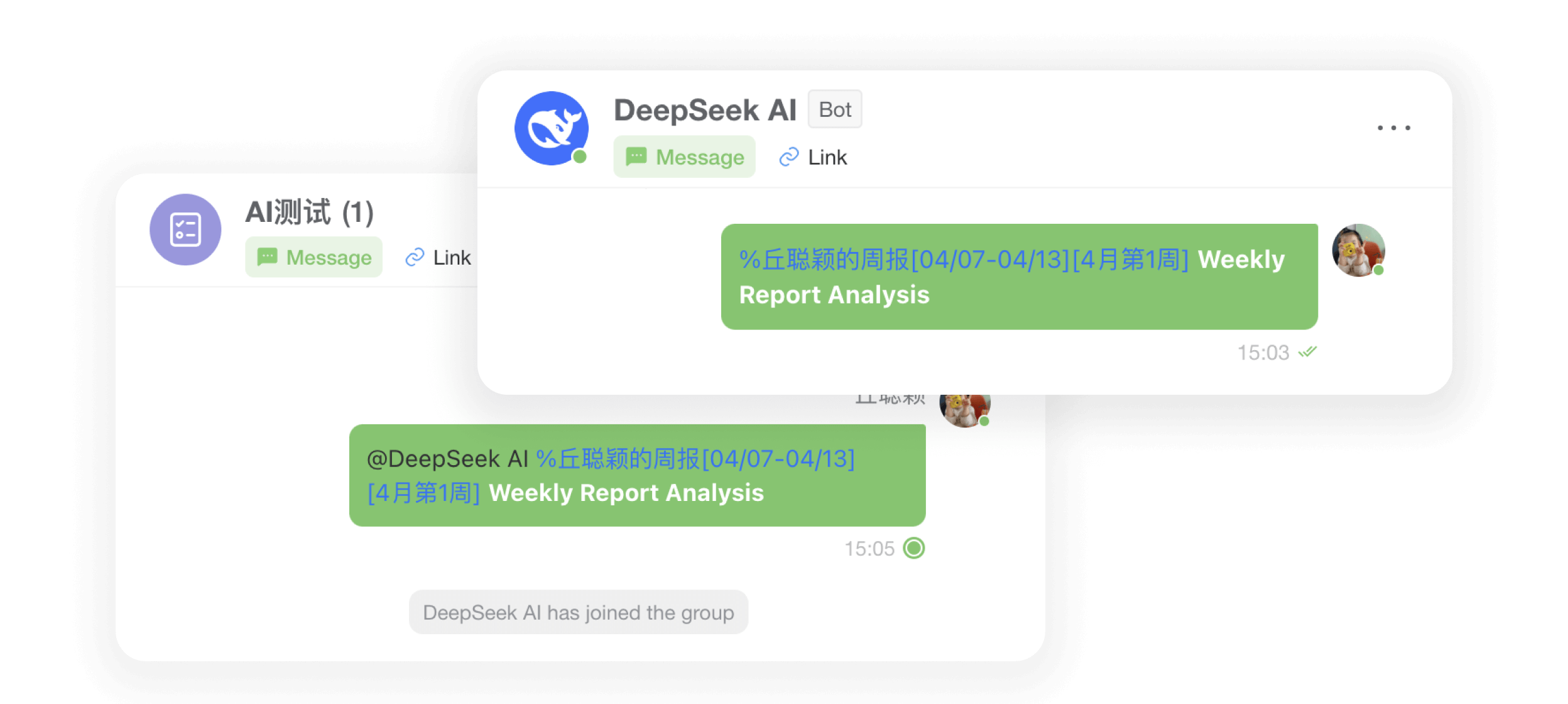
Let AI be your work review assistant! Immediately '%'select your weekly report file and experience the convenience and efficiency of intelligent analysis.
  • 01

    01

    Usage Scenarios - Group or Bot Dialogue
  • 02

    02

    Usage - enter ‘%’ to select the weekly report to be analysed
  • 03

    03

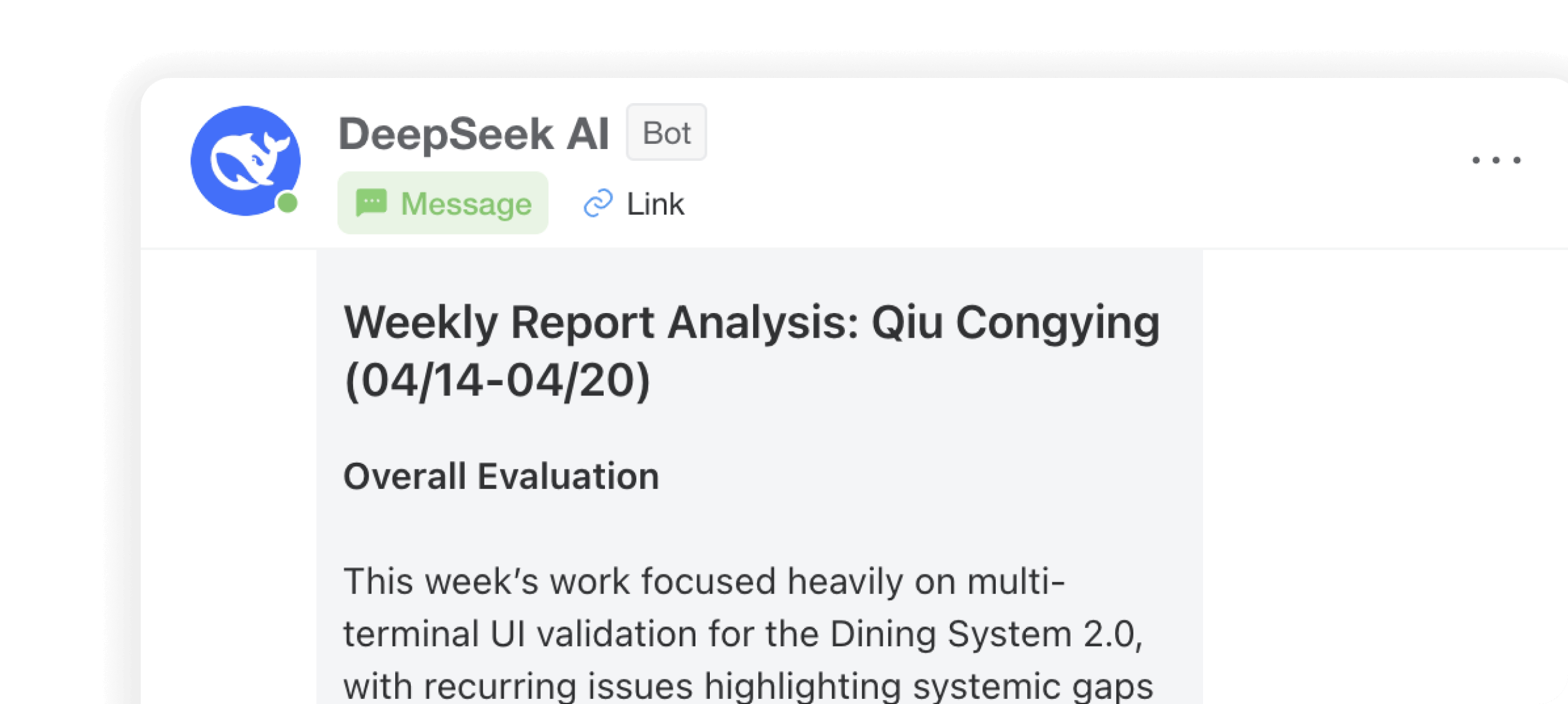
    Analysing results - giving a detailed assessment
  • 04

    04

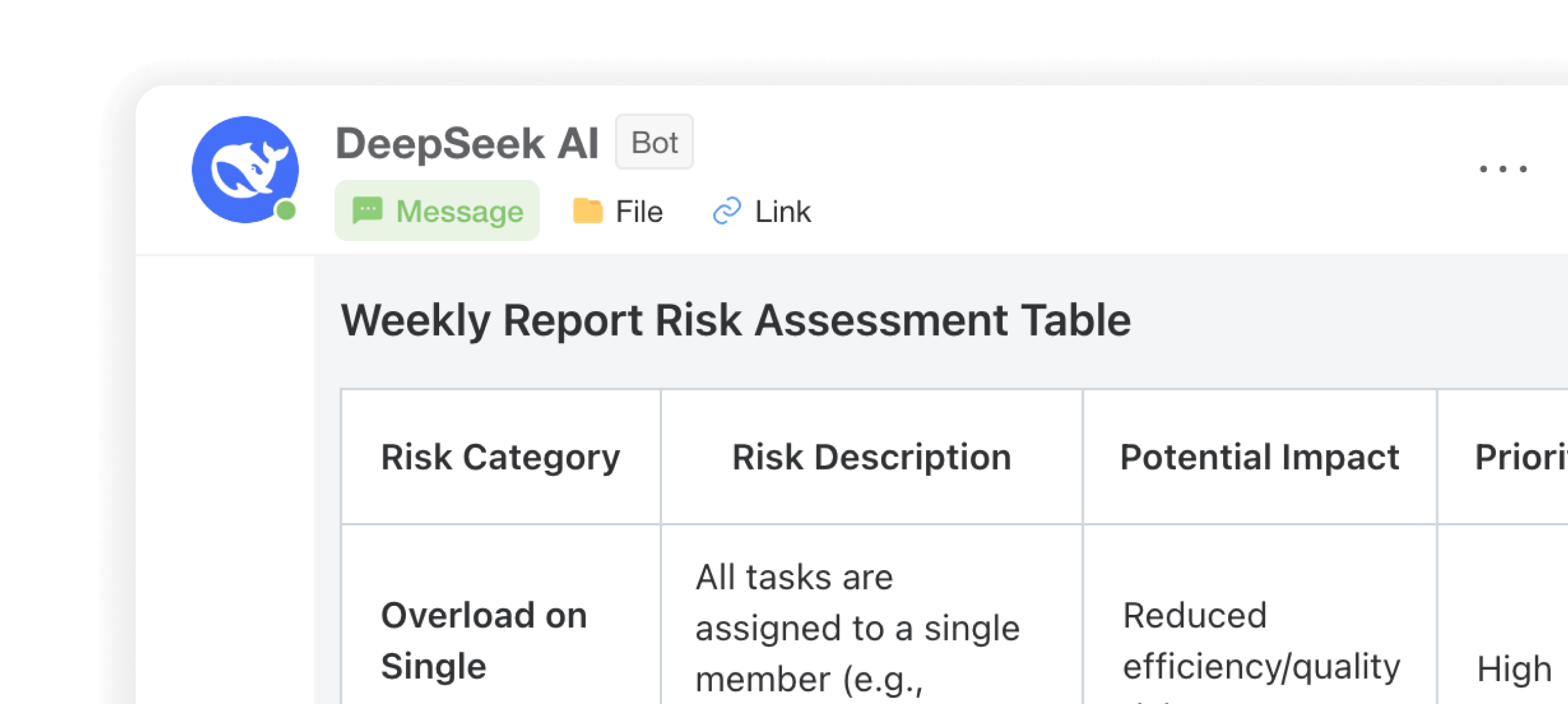
    Risk Insights - Automated Detection of Hidden Risk Factors​

Multi-threaded Communication

Open a new era of intelligent dialogue management! Immediately experience the AI Multi-Conversation feature to make your communication more efficient and precise.
Model Selection

Model Selection

Multiple AI models are available to meet your needs for a variety of application scenarios.

Open a new session

Open a new session

Instantly start discussions and easily parallelise multiple threads

History Session

History Session

Conveniently view the history of dialogue records, important content at any time to review

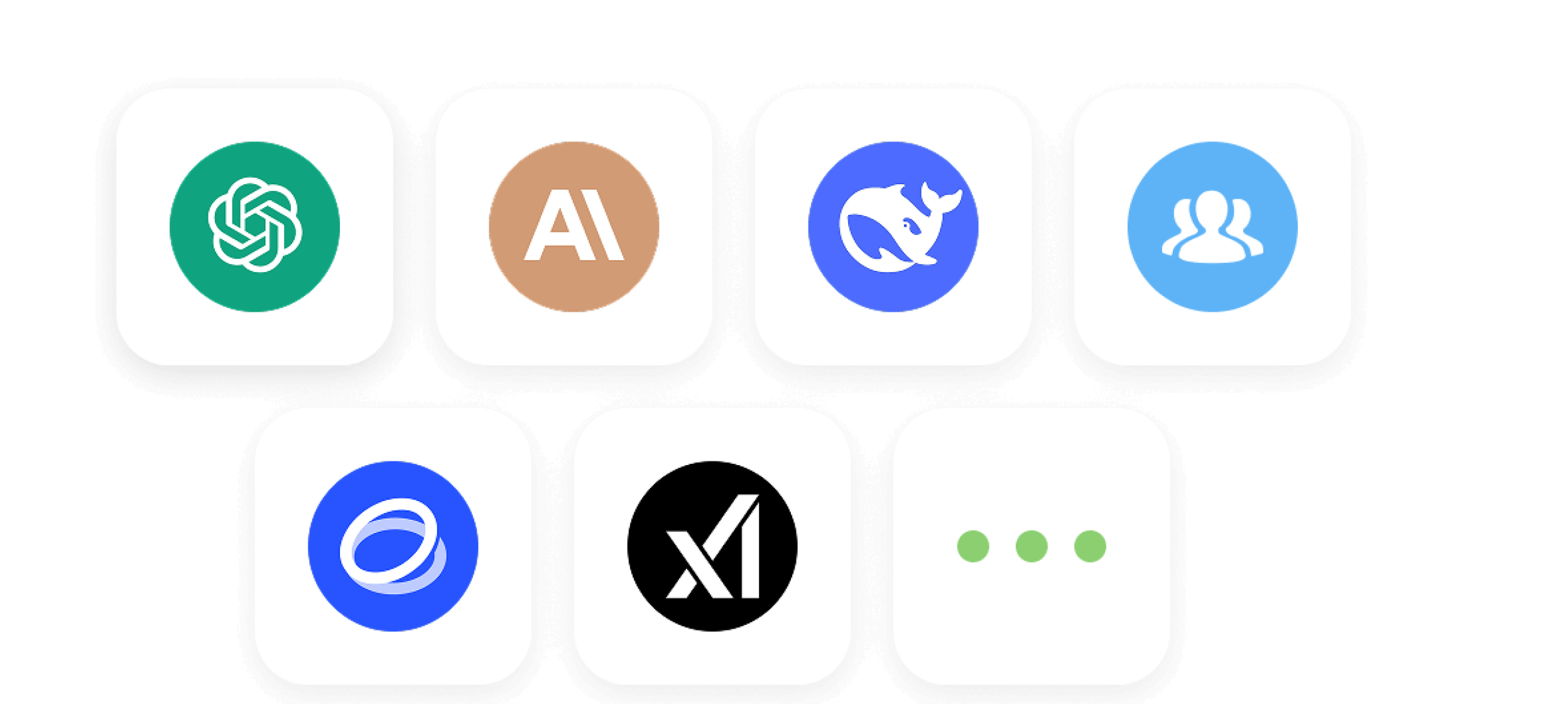
DooTask offers users a rich selection of AI options